
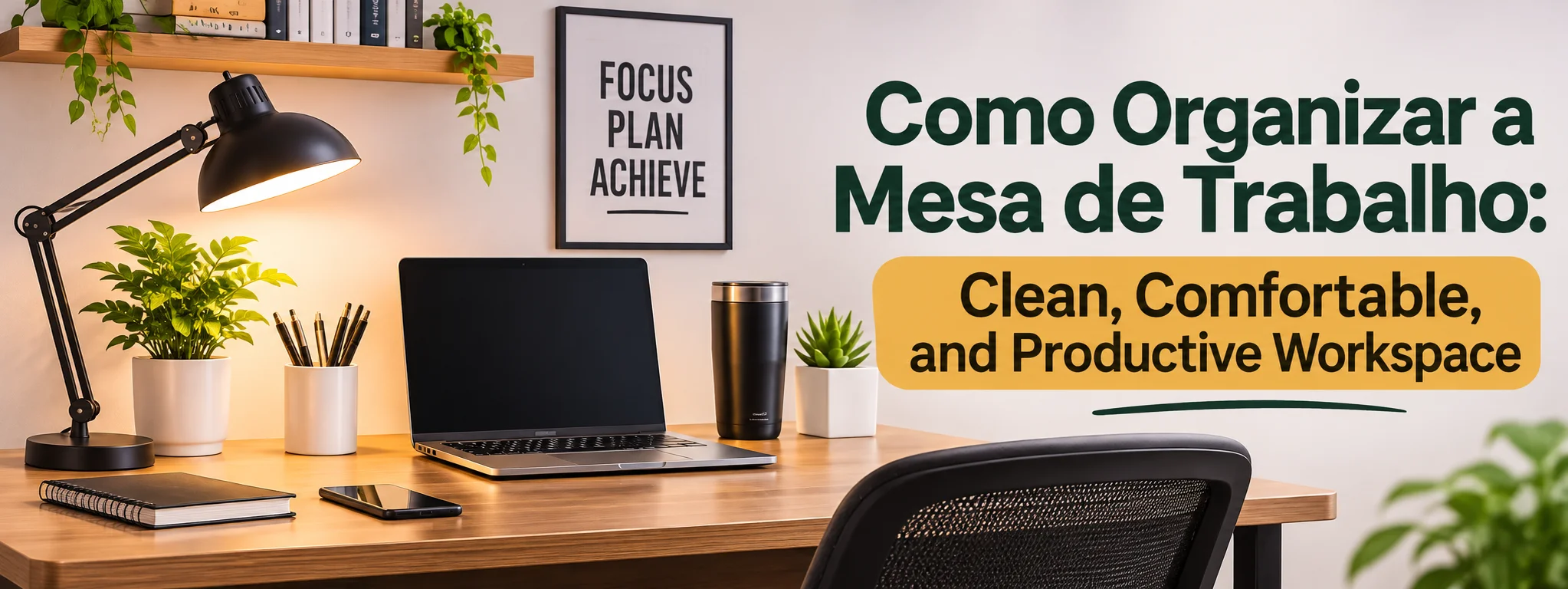
An organized workspace can make a significant difference in your daily routine. Whether you work from home, study at a desk, or spend several hours in an office, keeping your surroundings clean and helps you focus on important tasks and work more comfortably. Learning how to organize your work desk is not just about removing unnecessary objects; it is about creating a practical environment where everything has its proper place.
A cluttered desk can make simple activities feel difficult. Searching for documents, finding charging cables, and moving items around can waste valuable time. On the other hand, a clean and thoughtfully arranged workspace creates a positive atmosphere and makes everyday responsibilities easier to manage.
Why Is Organizing Your Work Desk Important?
Your workspace affects how you approach daily responsibilities. When everything is scattered across your desk, even small tasks can become frustrating. An organized environment makes it easier to locate essential materials and maintain a consistent working routine.
A well-arranged desk also creates more physical space for important activities.
Here are some major benefits of keeping your workspace organized:
-
Improved concentration: Fewer unnecessary objects can reduce visual distractions.
-
Better time management: Finding documents and office supplies becomes easier.
-
More available space: Organizing materials helps you use your desk efficiently.
-
Greater comfort: Proper equipment placement supports a more comfortable working position.
-
Positive atmosphere: A clean workspace can make daily activities feel more enjoyable.
The goal is not to create a perfect-looking desk but to build an environment that supports your actual working habits.
How to Organize Your Work Desk Step by Step
You do not need expensive furniture or complicated storage systems to organize your desk. A few simple adjustments can transform an overcrowded workspace into a functional environment.
1. Remove Everything and Clean Your Desk
Start by removing all items from your desk. Place your computer accessories, documents, stationery, and personal belongings somewhere temporarily.
Clean the surface using a suitable cleaning product. If you have electronic equipment, turn it off before cleaning and avoid spraying liquids directly onto devices.
Once the surface is clean, divide your belongings into three groups:
-
Items you use every day.
-
Items you occasionally need.
-
Items you no longer use or can store elsewhere.
This simple process helps you understand how much space you actually need and prevents unnecessary clutter from returning.
2. Keep Only Essential Items on Your Desk
One common mistake is keeping every office supply within reach. Although this may seem convenient, too many objects can make your workspace crowded.
Your everyday essentials might include:
-
Computer or laptop.
-
Keyboard and mouse.
-
Notebook or planner.
-
A few pens and pencils.
-
Water bottle.
-
Frequently used charger.
Store additional supplies inside drawers, cabinets, or storage organizers.
A useful approach is to observe your daily activities for a few days. If you rarely use an item, it probably does not need a permanent place on your desktop.
3. Organize Cables and Chargers
Loose cables can quickly make an otherwise organized desk look messy. They can also make cleaning difficult and create unnecessary tangles.
Cable clips, adhesive cable holders, and cable management boxes are practical solutions for keeping wires under control.
Consider these additional tips:
-
Group cables according to their purpose.
-
Use small labels to identify different connections.
-
Keep charging accessories in one location.
-
Avoid placing cables near liquids or heat sources.
-
Do not bend charging wires excessively.
Proper cable management creates a cleaner appearance and makes it easier to connect or disconnect equipment whenever necessary.
4. Use Drawers and Desk Organizers
Drawers provide valuable storage space for materials that you need occasionally but do not want to leave on your desk.
Use drawer dividers to separate different categories of supplies.
| Category | Items to Store | Recommended Organizer |
|---|---|---|
| Office supplies | Pens, pencils, markers | Pen holder or drawer divider |
| Documents | Contracts, papers, notes | Labeled folders |
| Electronics | Chargers, adapters, cables | Storage boxes |
| Stationery | Sticky notes, paper, notebooks | Desk trays |
| Accessories | Headphones, USB drives | Small compartments |
Avoid turning your drawers into storage spaces for forgotten items. Review their contents regularly to maintain an organized system.
How to Organize Your Home Office Desk
Working from home requires additional planning, especially when your desk is also used for studying, entertainment, or personal activities.
The best approach is to create a dedicated workspace that supports concentration and separates professional responsibilities from leisure time.
Choose the Right Location
Whenever possible, choose a quiet location with sufficient lighting and minimal distractions.
You do not need an entire room to create an effective home office. A small desk in the corner of a bedroom or living room can work perfectly well.
Try to position your workspace away from areas where people frequently walk or where household activities might interrupt your concentration.
Make Better Use of Natural Lighting
Lighting plays an important role in creating a comfortable working environment.
Position your desk so natural light illuminates the workspace without producing uncomfortable reflections on your computer screen.
If natural lighting is limited, consider adding an adjustable desk lamp.
A properly illuminated workspace makes reading, writing, and computer-based activities more comfortable throughout the day.
Separate Work Materials from Personal Belongings
Personal accessories can make your home office feel more welcoming, but too many decorations may occupy valuable space.
Keep a few meaningful items, such as photographs, a small plant, or a decorative accessory.
The objective is to create a balanced environment that feels personal without becoming distracting.
Best Accessories for an Organized Work Desk
The right accessories can improve both functionality and appearance. However, you do not need to purchase every organizational product available.
Choose accessories according to the problems you experience in your daily routine.
Laptop or Monitor Stand
A laptop or monitor stand can help position your screen at a more comfortable viewing height.
For laptops, consider using an external keyboard and mouse when working for extended periods.
Adjust your setup to avoid repeatedly bending your neck or maintaining an uncomfortable position.
Pen Holder
A pen holder keeps writing materials together and prevents them from spreading across your workspace.
Choose a compact design that accommodates your essential stationery without taking up too much room.
Document Trays
Document trays are useful for separating paperwork and tracking unfinished activities.
You can create three simple categories:
-
To Do.
-
In Progress.
-
Completed.
This straightforward system makes it easier to manage paperwork and remember important responsibilities.
Cable Organizers
Cable clips, sleeves, and storage boxes help keep wires neatly arranged.
They also make cleaning easier and reduce unnecessary visual clutter.
Adjustable Desk Lamp
An adjustable lamp provides focused lighting for reading, writing, and other detailed activities.
Choose a model with a suitable size and adjustable direction so it does not interfere with your available workspace.
How to Organize a Small Work Desk
A small desk requires thoughtful planning because every inch matters. Instead of purchasing additional furniture, focus on using vertical space and compact storage solutions.
Use Wall Space
Wall shelves, pegboards, and hanging organizers provide additional storage without occupying your desktop.
You can use these areas for books, notebooks, documents, and accessories that you do not need constantly.
Choose Vertical Organizers
Stackable storage organizers help you take advantage of available height.
They are particularly useful for storing paperwork, stationery, notebooks, and small office supplies.
Avoid Excessive Decorations
Too many decorative objects can make a small desk appear overcrowded.
Choose a few functional decorations and prioritize essential equipment.
Keeping the central working area clear makes it easier to write, use a keyboard, and complete everyday tasks.
Common Mistakes to Avoid When Organizing Your Work Desk
Even after arranging everything properly, certain habits can quickly bring back clutter.
Understanding these mistakes will help you maintain your workspace for longer.
Storing Items Without Categories
Putting different objects randomly inside drawers only hides the mess.
Create specific storage categories and assign each item a permanent location.
Collecting Unnecessary Documents
Old paperwork can occupy valuable space for months.
Review documents regularly and dispose of materials that are no longer required. Keep important financial, professional, and legal records according to your applicable retention requirements.
Buying Too Many Organizers
Not every organizational accessory improves your daily routine.
Before purchasing anything, identify the problem you want to solve. A simple drawer divider may be more useful than an expensive desk storage system.
Ignoring Desk Ergonomics
A beautiful desk does not automatically provide a comfortable working environment.
Pay attention to your chair height, monitor position, keyboard placement, and available legroom.
A functional setup should support comfortable movement and reduce unnecessary physical strain.
Simple Daily Habits to Keep Your Work Desk Organized
Learning how to organize your work desk is only the beginning. Maintaining that organization requires a few consistent habits.
Try following this simple routine:
-
At the beginning of the day: Remove unnecessary objects and prepare the materials you need.
-
During working hours: Return items to their designated locations after using them.
-
After completing a task: Organize related documents before starting another activity.
-
At the end of the day: Clean the desktop and store frequently used materials.
-
Once a week: Review drawers, cables, stationery, and accumulated paperwork.
A short cleaning session at the end of each working day can prevent small organizational problems from becoming overwhelming.
How to Create a More Productive Working Environment
Physical organization is only one part of an effective workspace. Your desk should also support your working style and daily responsibilities.
Consider making these additional improvements:
-
Adjust your chair to maintain a comfortable sitting position.
-
Position your monitor approximately at eye level.
-
Keep frequently used materials within easy reach.
-
Take regular breaks to rest your eyes and move around.
-
Use a task list to track priorities and unfinished activities.
You should also customize your workspace according to your profession.
For example, graphic designers may need additional space for creative equipment, while writers and students may prefer an arrangement that provides easy access to notebooks and reference materials.
There is no single perfect desk arrangement. The best setup is one that combines functionality, comfort, and simplicity.
Final Thoughts
Learning how to organize your work desk is a practical way to create a cleaner and more productive environment. Simple improvements, such as removing unnecessary objects, managing cables, using drawer dividers, and taking advantage of vertical storage, can make a noticeable difference in your daily routine.
You do not need expensive furniture or complicated accessories to achieve excellent results. Start with the materials you already have, assign a specific place to each item, and develop a simple daily cleaning routine.
Remember that an organized desk does not have to look perfect. It simply needs to provide a comfortable, functional, and welcoming space where you can focus on your priorities and complete your work with greater confidence.
Frequently Asked Questions
1. How can I organize my work desk quickly?
Remove unnecessary objects, clean the surface, organize cables, and keep only the materials you use regularly within reach.
2. What should I keep on my work desk?
Keep your computer, keyboard, mouse, notebook, essential stationery, and other frequently used materials. Store unnecessary supplies elsewhere.
3. How do I organize a small work desk?
Use vertical organizers, wall shelves, drawer dividers, and compact accessories. Avoid unnecessary decorations and keep the main surface clear.
4. How can I keep my desk organized every day?
Return items to their designated places after using them and spend a few minutes cleaning your desk at the end of each working day.
5. What accessories are useful for an organized work desk?
Laptop stands, pen holders, document trays, cable organizers, drawer dividers, and adjustable desk lamps are useful options.